Tasks
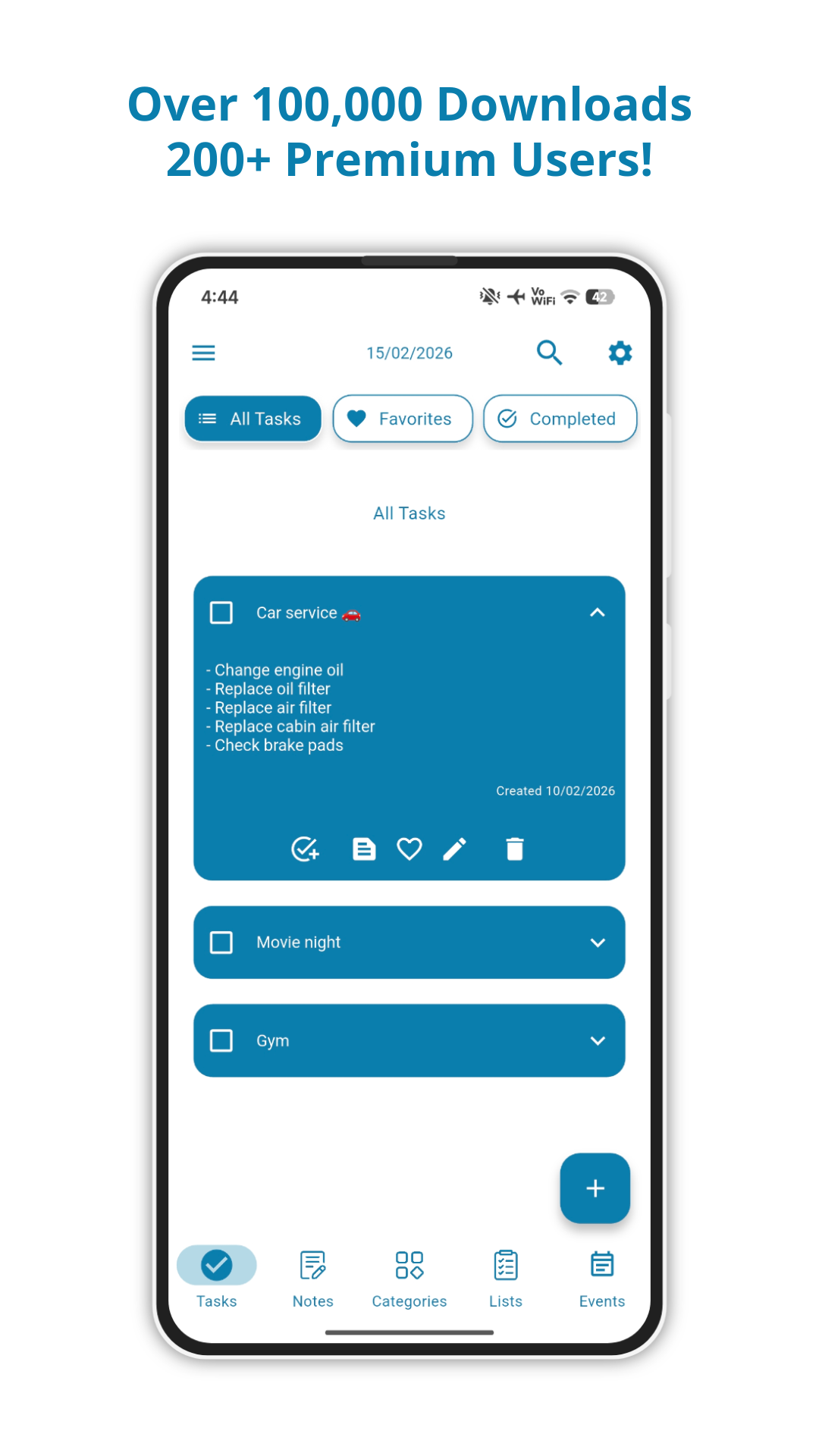
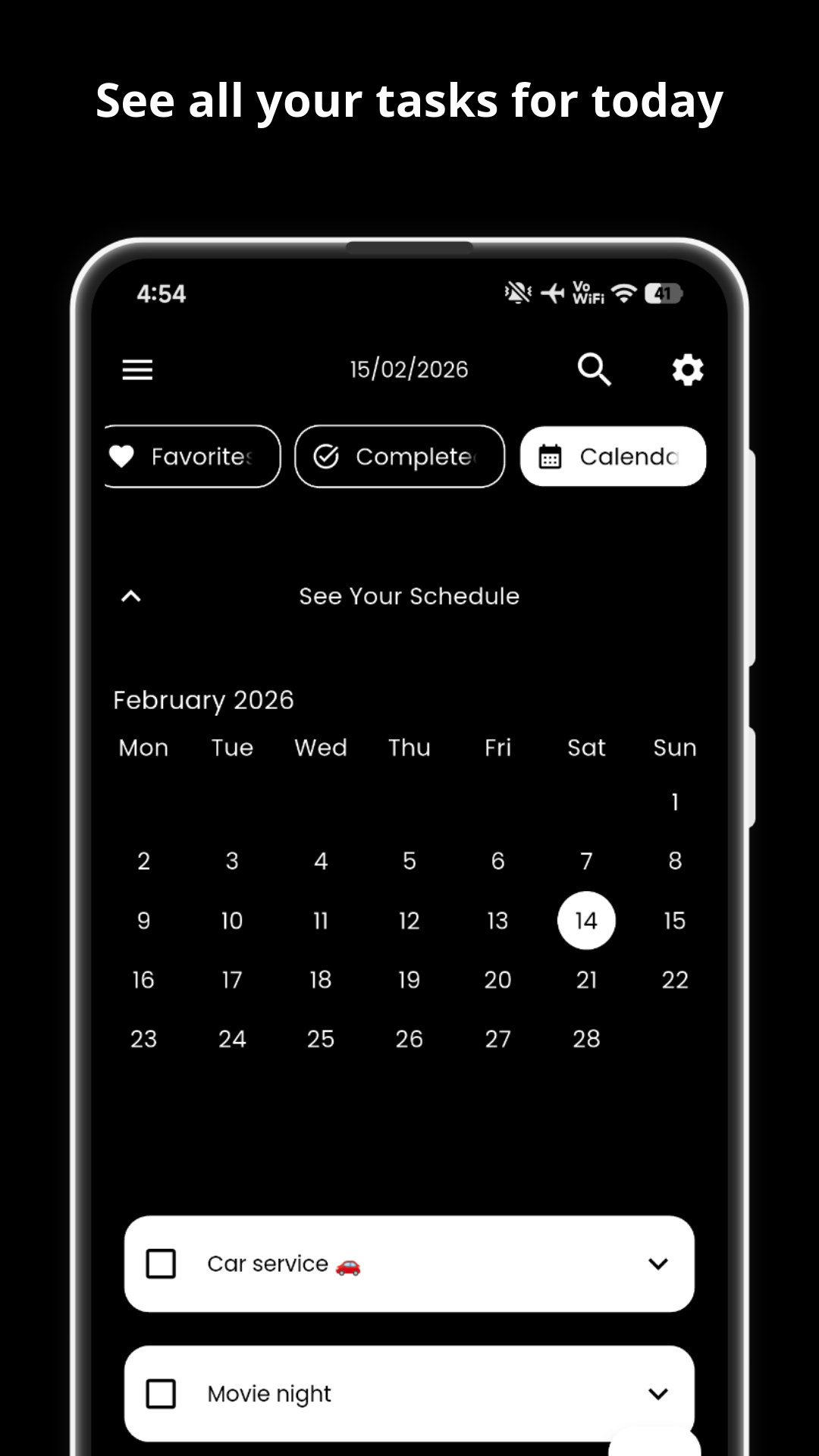
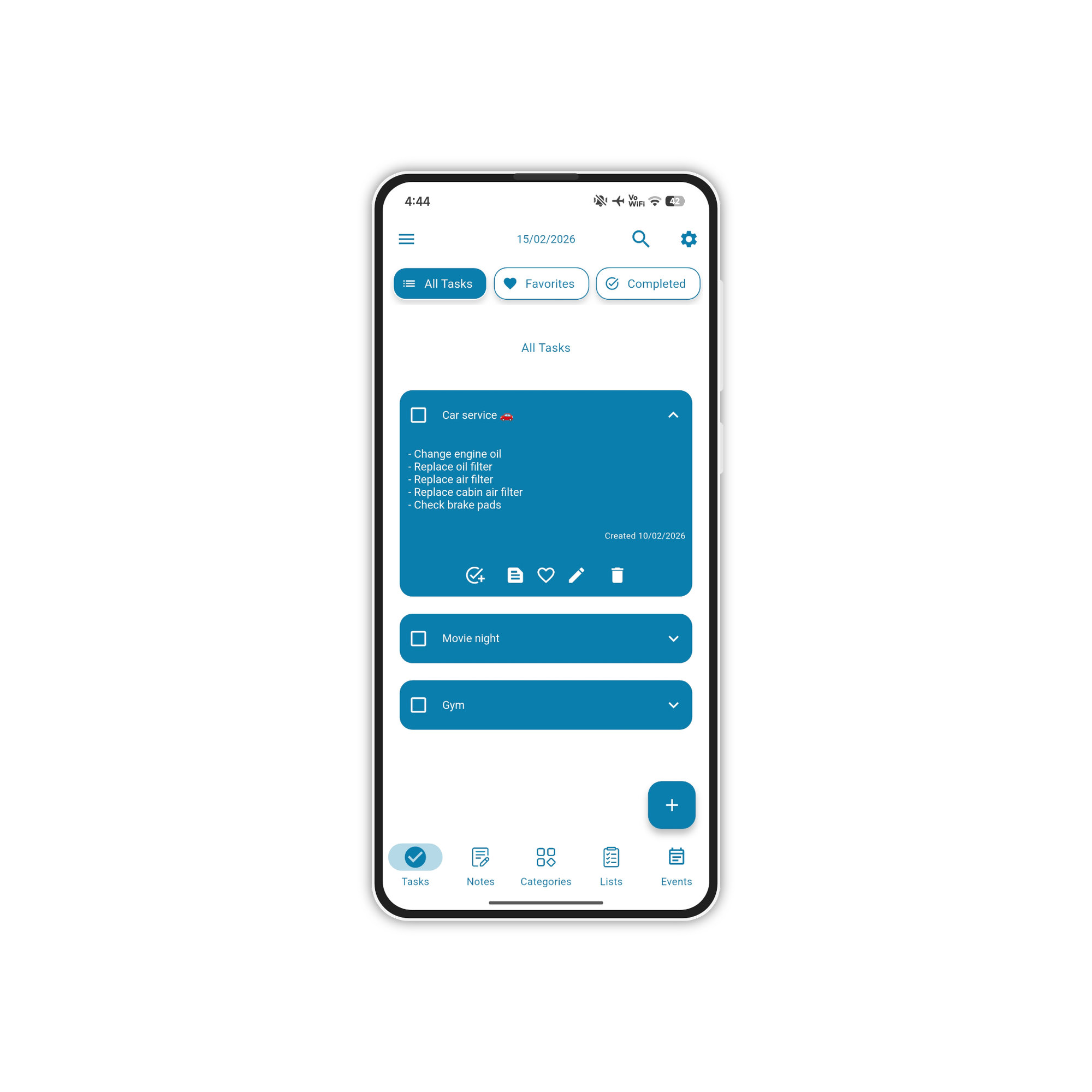
Capture and organize with sub-steps, descriptions, reminders, and repeat rules.
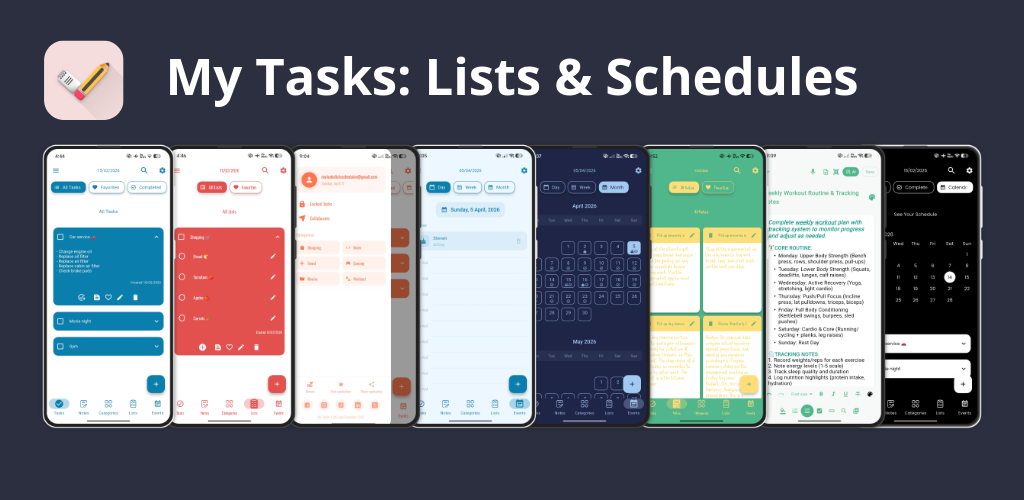
Tasks, notes, checklists, and calendar in one beautiful Android app — with AI assistant, cloud backup, reminders, shared tasks, and unlimited themes. Free, offline-first, no subscription required.
From quick tasks to complex projects — My Tasks adapts to how you work.
Capture and organize with sub-steps, descriptions, reminders, and repeat rules.
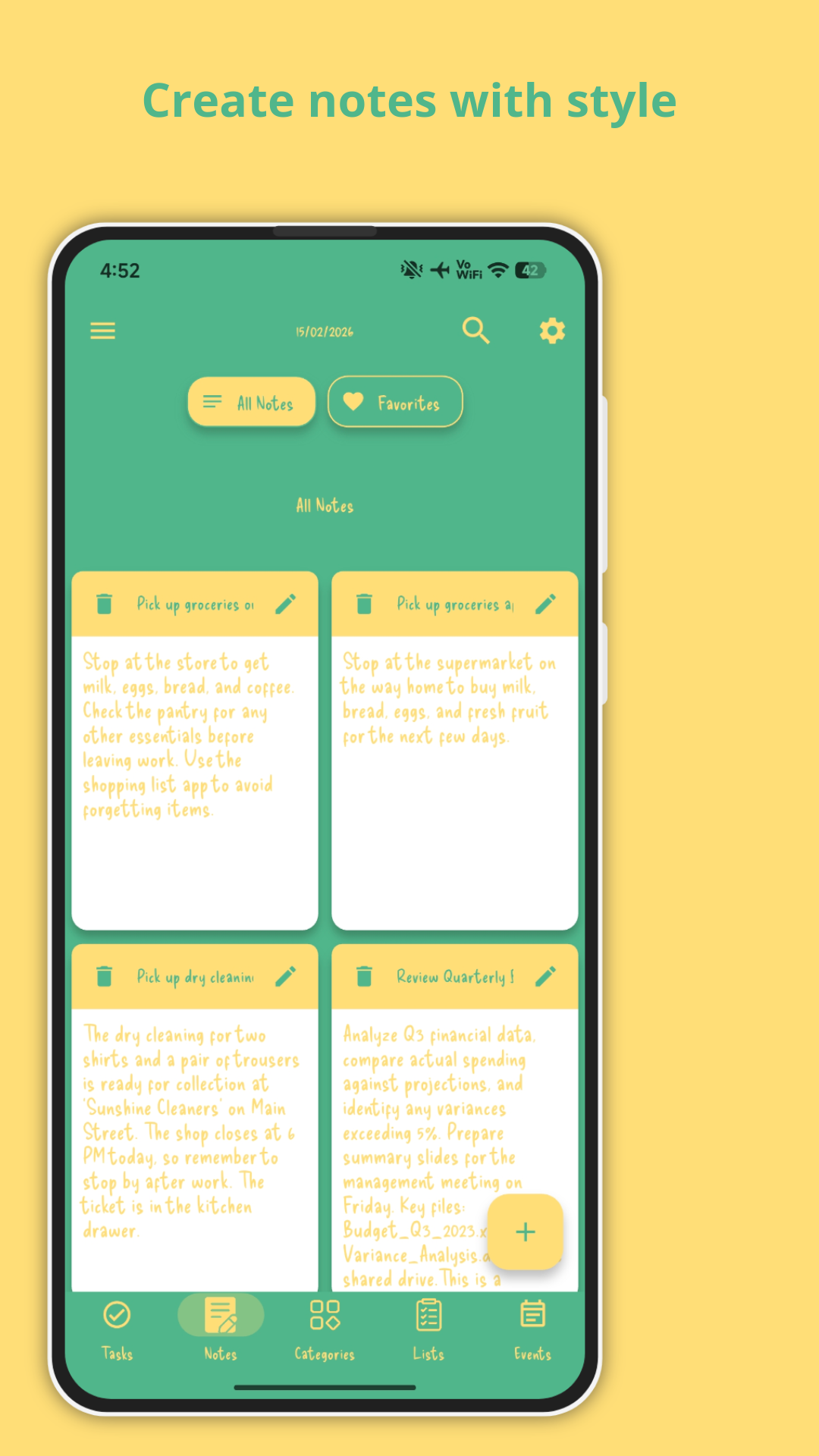
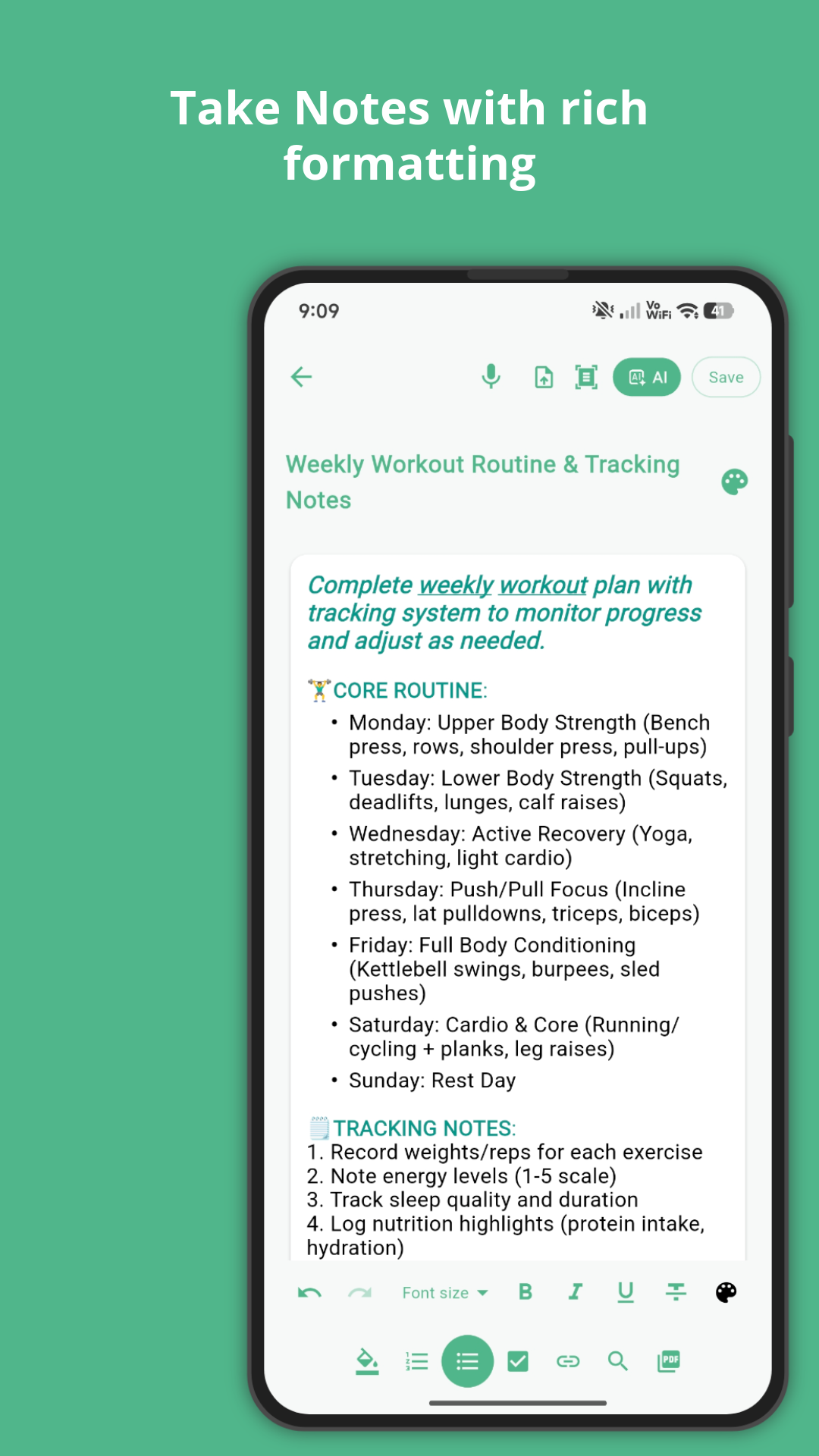
Full-featured notes editor. Capture ideas and never lose a thought again.
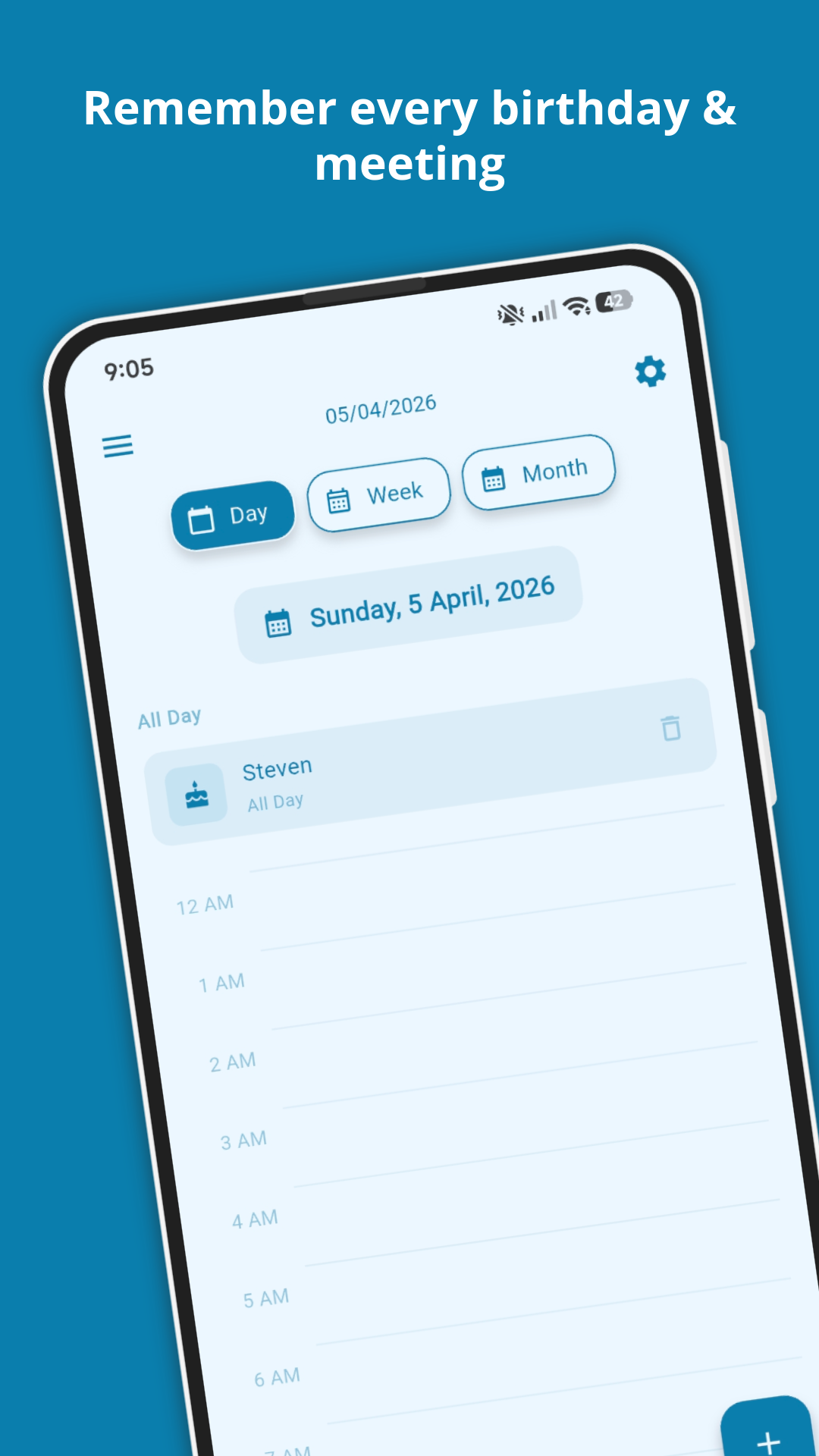
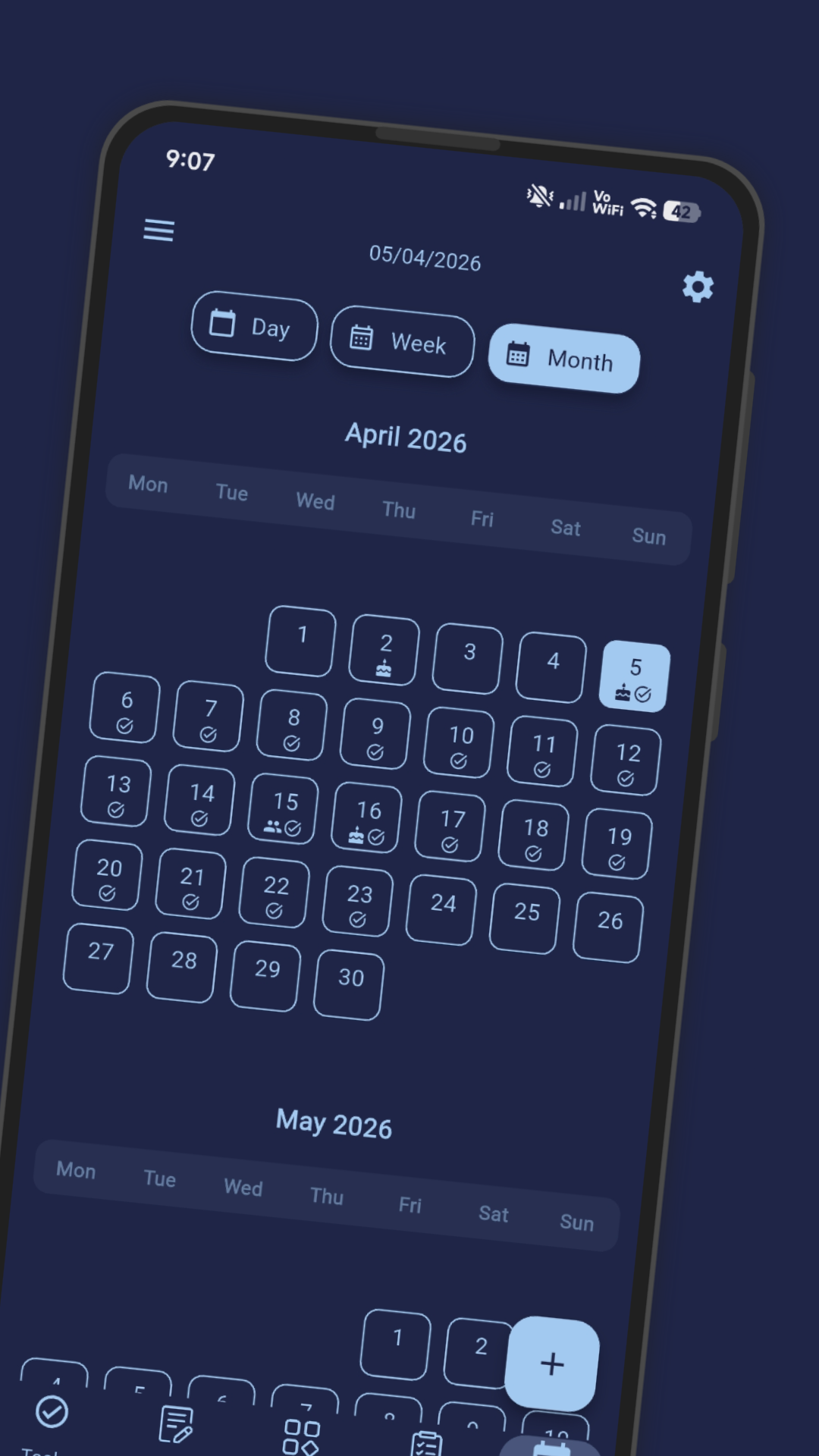
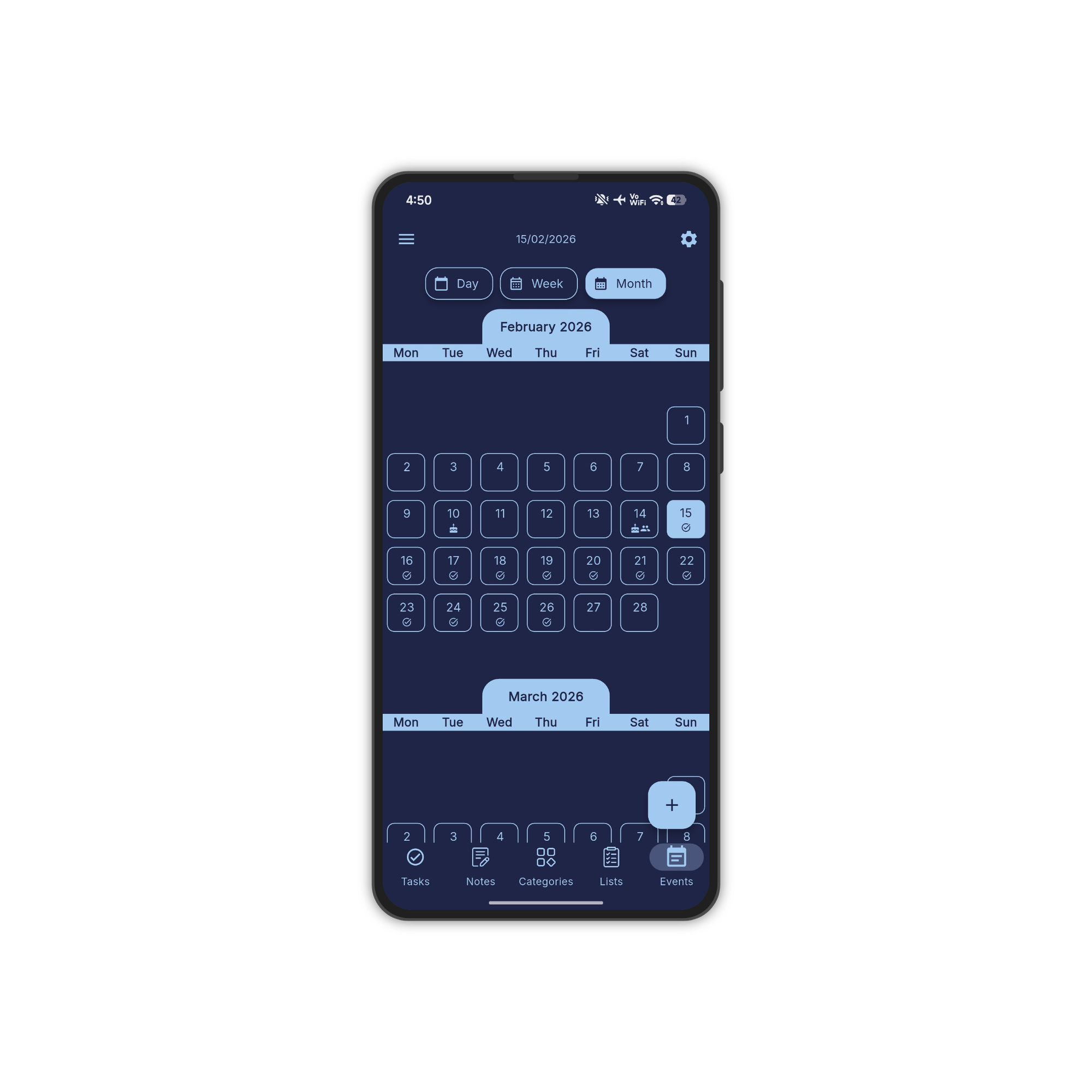
Day, week, and month views. Schedule birthdays, meetings, and tasks at a glance.
Generate tasks, notes, lists, and color themes — just describe what you need in seconds.
Your data stays safe. Restore everything anytime, across all your devices.
Assign tasks to others and collaborate in real-time. Plan together, always in sync.
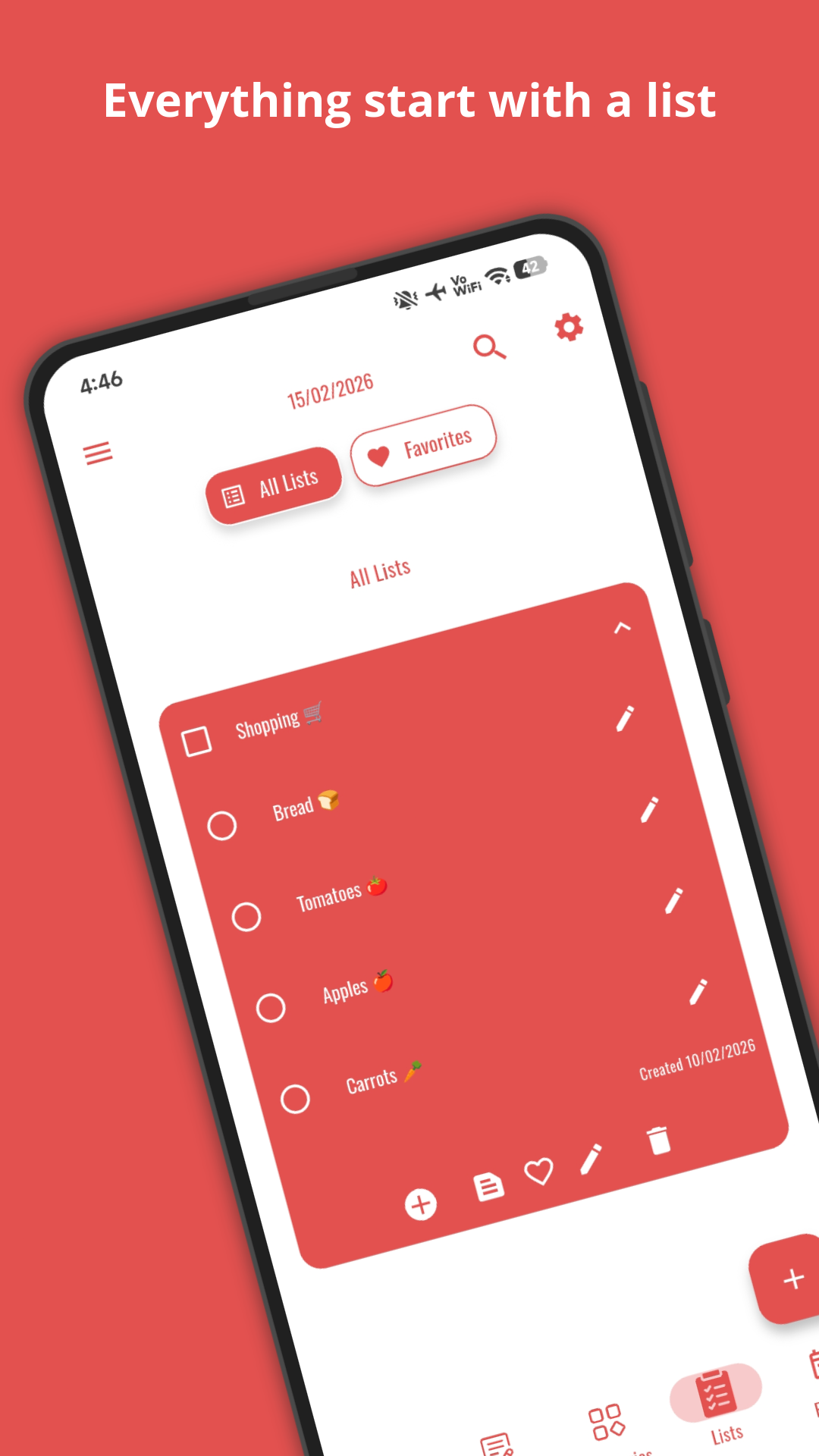
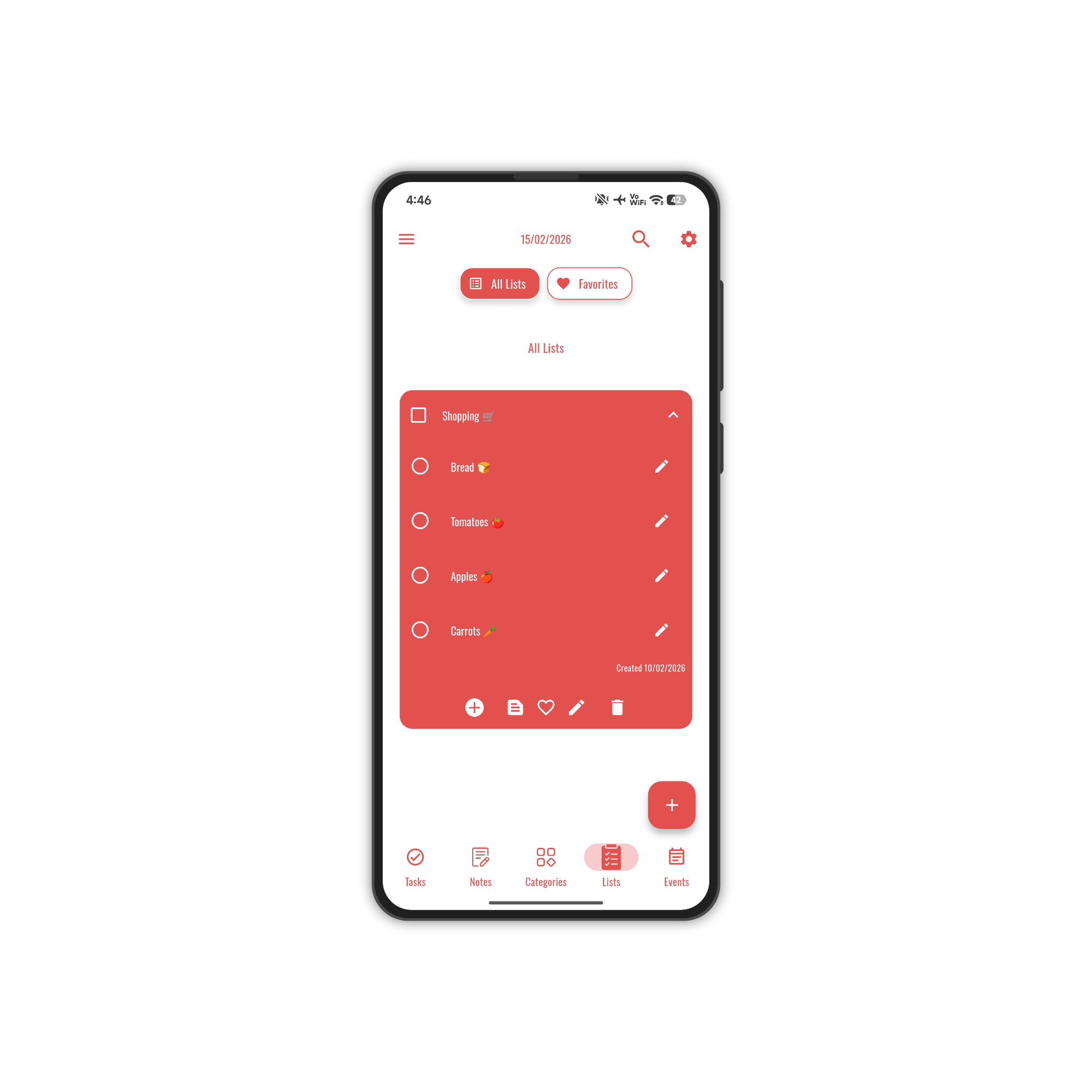
Shopping, packing, to-do — every list organized with inline checkboxes and drag ordering.
Unlimited color palettes, custom fonts, and background images. Make the app truly yours.
Set reminders for upcoming tasks and never miss an important deadline again.
No account required. Download, open, and start organizing your life.
Get My Tasks free from Google Play. No sign-up needed to start.
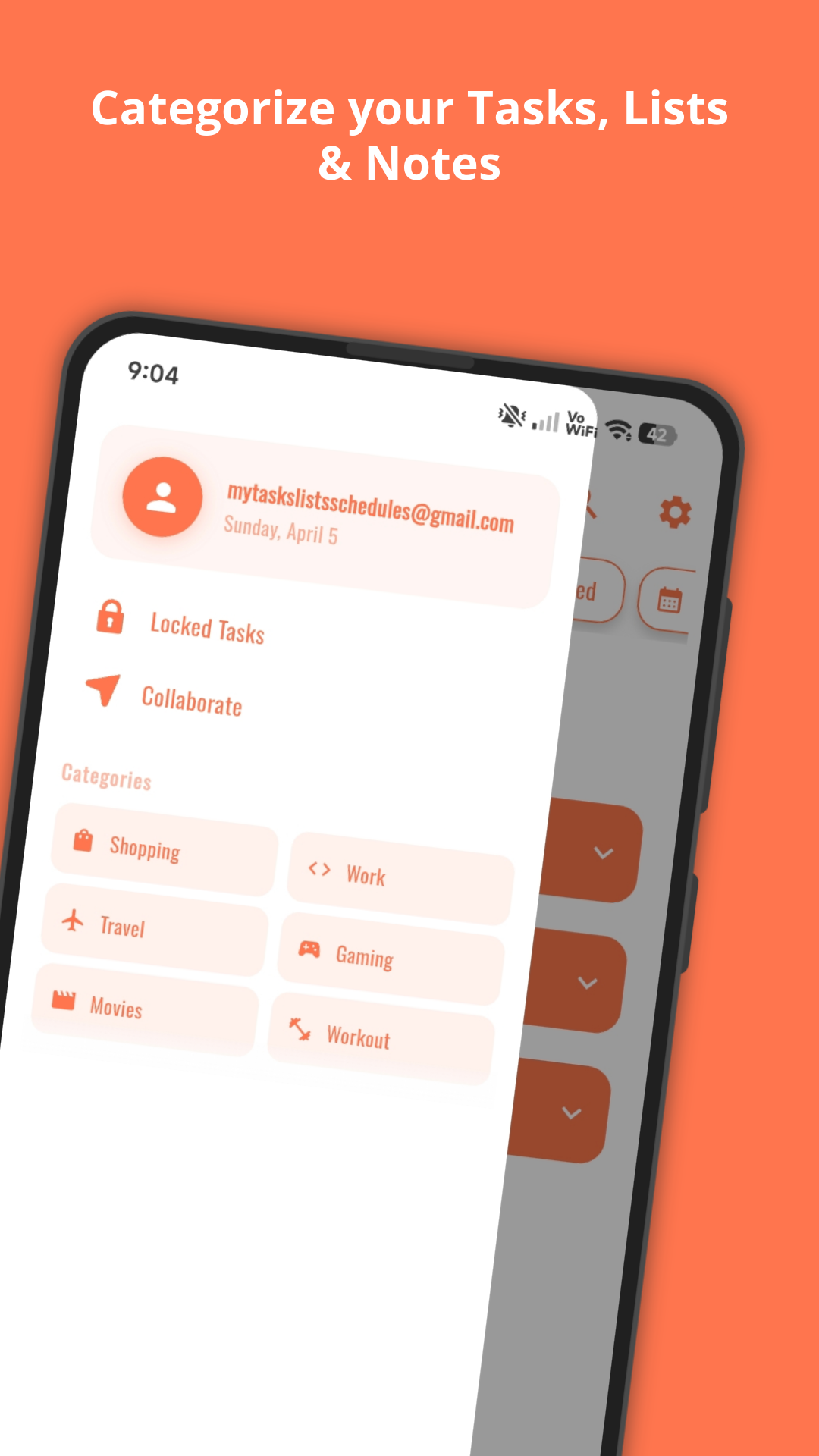
Create tasks, notes, lists, and events. Customize with your favorite colors.
Get reminders, share with others, and let AI help you stay productive.
Choose from unlimited themes and color palettes to match your style.
Join thousands of people staying organized every day. No account required to start.
My Tasks: Lists & Schedules is a powerful, free to do list app and task manager for Android. Whether you need a simple todo list, a detailed task planner, a notes app, or a calendar organizer, My Tasks has you covered. Manage your daily tasks, create checklists and shopping lists, write rich notes, and schedule calendar events — all in one beautifully designed app.
Download My Tasks free on Google Play and start organizing your life today. No account required to get started — it's the to do list app that adapts to how you work.